 flamer
Give your dating
profile a fresh start.
New photos from your selfies. Reply ideas from your chats.
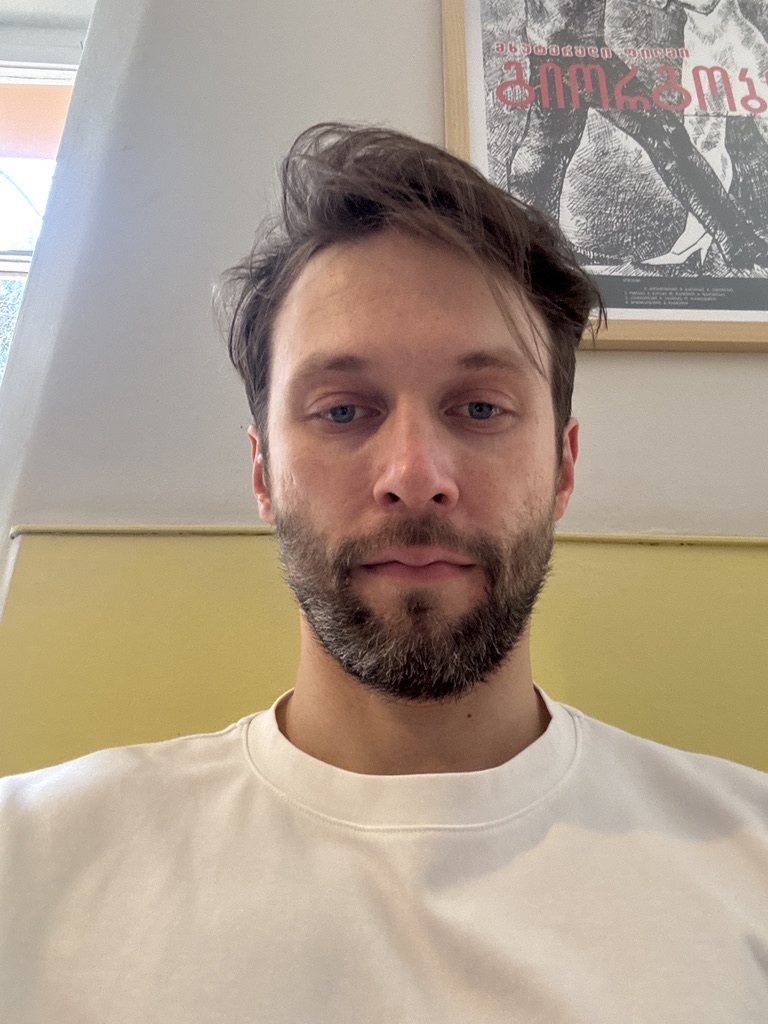

Generated from 3 selfies. Results and likeness vary.

Pick selfies. Generate. Save.
How to choose your selfies ↗Not sure what
to reply?
Upload a chat screenshot. Pick from five reply ideas.
Try it. Then decide.
Free: photos with a watermark + your first five replies.
Premium: more chats + watermark-free photos.
Generation limits and privacy ↓
Start with Flamer for iPhone ↗Premium prices & subscription terms
CURRENT US PREMIUM PLANSAuto-renews until cancelled. Manage or cancel in your Apple subscription settings.
US App Store prices. Local prices and offers may differ; the app shows your exact price and terms before purchase.
Subscription terms ↗Make it feel like you.
A few practical tips.
Before you download.
Will the AI photo look like me?
Flamer uses your uploaded photos as references. Clear photos and different angles help, but likeness can vary. Check each result and only keep photos you’re comfortable using.
Is Flamer free?
Yes. You can generate a photo before subscribing and export it with a Flamer watermark. Your first successful chat generation provides five replies free. Premium unlocks further chat generations and watermark-free photo exports. Current US plans are $2.99/week or $7.99/month; local prices and offers may differ. Subscriptions auto-renew until cancelled. The app shows your exact offer before purchase.
How much can I generate?
Premium chat generation is limited to 20 requests per rolling hour. Photo generation is limited to 5 requests per rolling hour for both free and Premium users. Failed requests can count toward these hourly limits. Free chat access covers one successful generation of five replies; it does not reset each hour.
Does it work with my dating app?
You can upload a screenshot to Flamer and copy a reply back into your conversation. There is no need to connect your dating account. Saved photos can be used wherever the destination app permits AI images.
What happens to photos and screenshots?
In the app, selected images are sent to AI services to generate results, with consent requested before the first upload. Generated photos are saved on your device. AI providers may retain request content under their own terms; saving results on your device does not mean zero provider retention. Read our privacy policy for processing and retention details. The website preview does not accept uploads.
Can I use it on Android or on the web?
Flamer is currently available for iPhone with iOS 17 or later. This website introduces the app; photo generation and screenshot analysis happen in the iPhone app.